Category: Linux

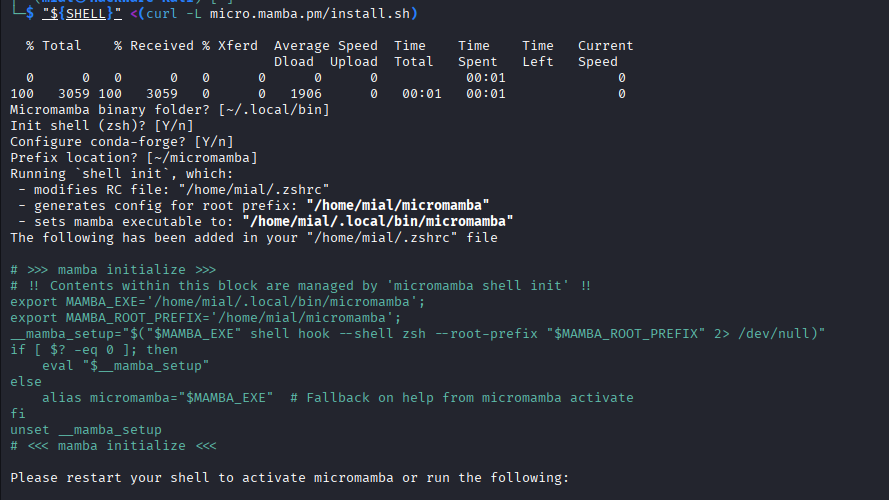
How to create virtual environments with any Python version (Miniconda user guide)

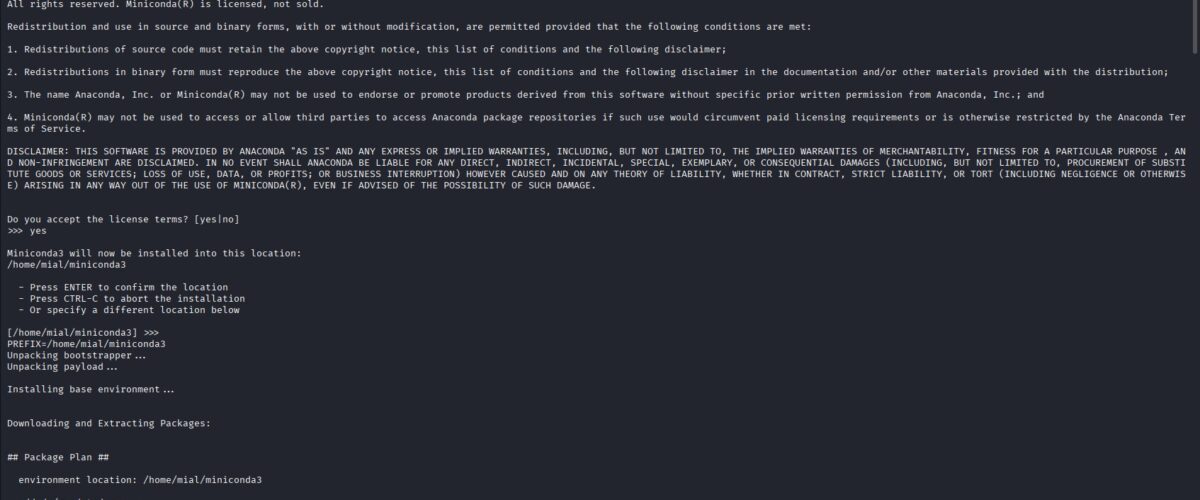
Contents 1. How to use a specific Python version in Linux 2. What are Miniconda and Micromamba? 3. What is the difference between Python virtual environments (venv, virtualenv) and Conda environments (Miniconda / Micromamba)? 4. How to install Miniconda on Linux 4.1 How to install Miniconda on Debian (Kali Linux, Linux Mint, Ubuntu) 4.2 How to install Miniconda on Arch...

How to create virtual environments with any Python version (Micromamba user guide)

Contents 1. How to use a specific Python version in Linux 2. What are Miniconda and Micromamba? 3. What is the difference between Python virtual environments (venv, virtualenv) and Conda environments (Miniconda / Micromamba)? 4. How to install Micromamba on Linux 4.1 Installing Micromamba on Debian (Kali Linux, Linux Mint, Ubuntu) 4.2 Installing Micromamba on Arch Linux (Manjaro, BlackArch) 5....

How to turn images into photos using the Qwen Image Edit neural network on Windows

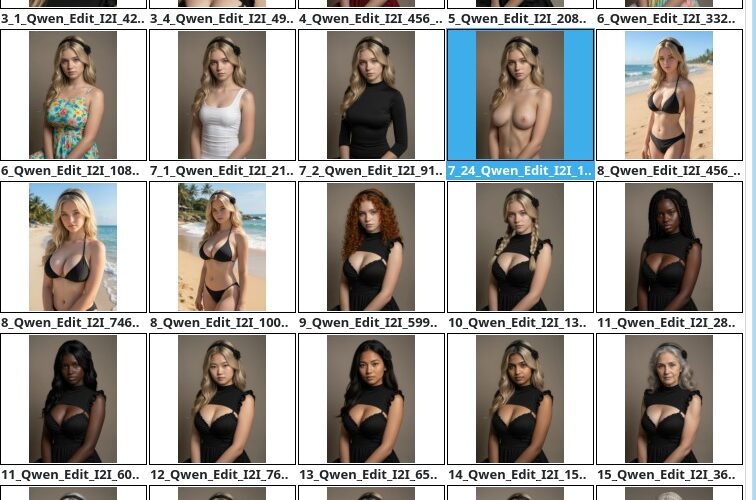
How to perform Photorealistic Image Translation using the Qwen Image Edit neural network on your computer With the help of a neural network, you can turn a drawing, painting, digital art, or your favorite anime character into an image that looks like a photograph. In other words, a drawn image of a person can be transformed into a real person,...

How to turn an image into a photograph locally using the Qwen Image Edit neural network

How to perform Photorealistic Image Translation with the Qwen Image Edit neural network on your computer With the help of a neural network, you can turn a drawing, painting, digital art, or your favorite anime character into an image that looks like a photograph. In other words, a drawn human figure can be transformed into a real person as if...

How to edit images with the Qwen Image Edit neural network on Windows

How to edit images with the Qwen Image Edit neural network on your computer Neural networks can generate images from text prompts, and they can also edit existing images. The editing process is very simple and, I would even say, fun – you just describe what you want to see in a text prompt. It’s that simple. This article shows...

How to edit images with the Qwen Image Edit neural network locally

How to modify images using Qwen Image Edit on your own computer Neural networks can not only generate images from text prompts but also edit existing pictures. Moreover, the editing process is very simple and, I would say, even fun – you just describe what you want to see using a text prompt. That’s all there is to it. In...

How to edit images with the FireRed-Image-Edit neural network on your computer

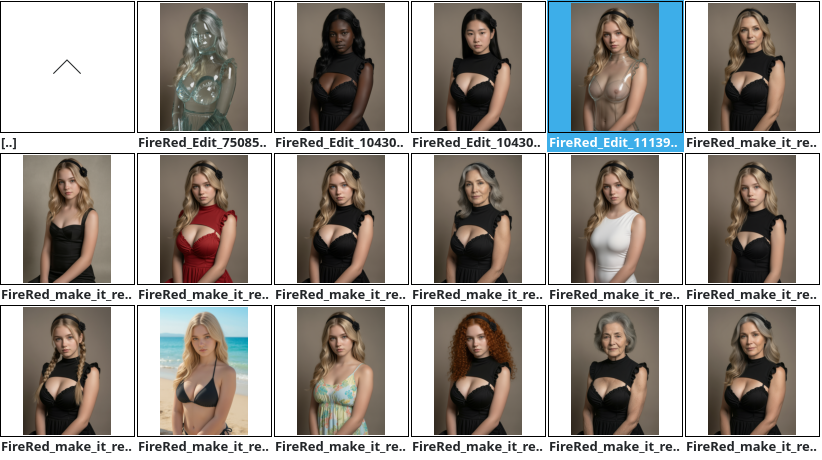
Neural network for editing images on your own computer – FireRed-Image-Edit With FireRed-Image-Edit, you can make both major and minor edits to images. FireRed-Image-Edit is a new AI model that was released in early 2026. This article uses version FireRed-Image-Edit-1.0 and FireRed-Image-Edit-1.1. Official website: https://huggingface.co/FireRedTeam/FireRed-Image-Edit-1.0 Editing is done using prompts – no mask is required. FireRed-Image-Edit is an open model and...

How to edit images using FireRed-Image-Edit

Neural network for editing images on your own computer – FireRed-Image-Edit With FireRed-Image-Edit, you can make both major and minor edits to images. FireRed-Image-Edit is a new AI model that was released in early 2026. This article uses version FireRed-Image-Edit-1.0. Official website: https://huggingface.co/FireRedTeam/FireRed-Image-Edit-1.0 Editing is done using prompts – no mask is required. FireRed-Image-Edit is an open model and can...

How to use zstd for very fast file compression

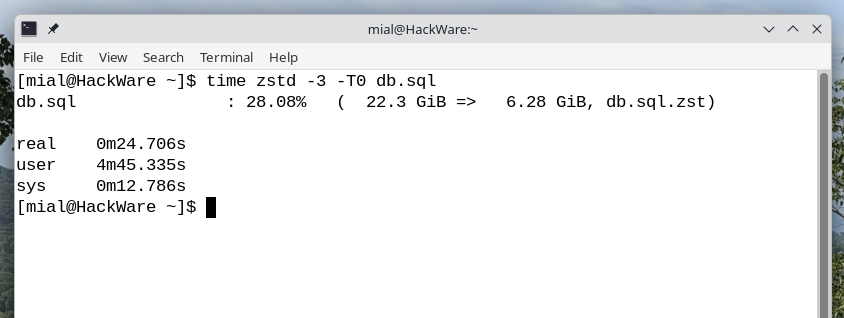
Table of contents A modern command-line utility for very fast archiving How much faster zstd is than zip and other archivers How to install zstd on Linux How to use zstd on Linux How to extract an archive with zstd on Linux 1. A modern command-line utility for very fast archiving The zstd utility is a modern compression utility that...

How to unlock the maximum TGP for an NVIDIA GPU in Linux. How to enable Dynamic Boost on Linux

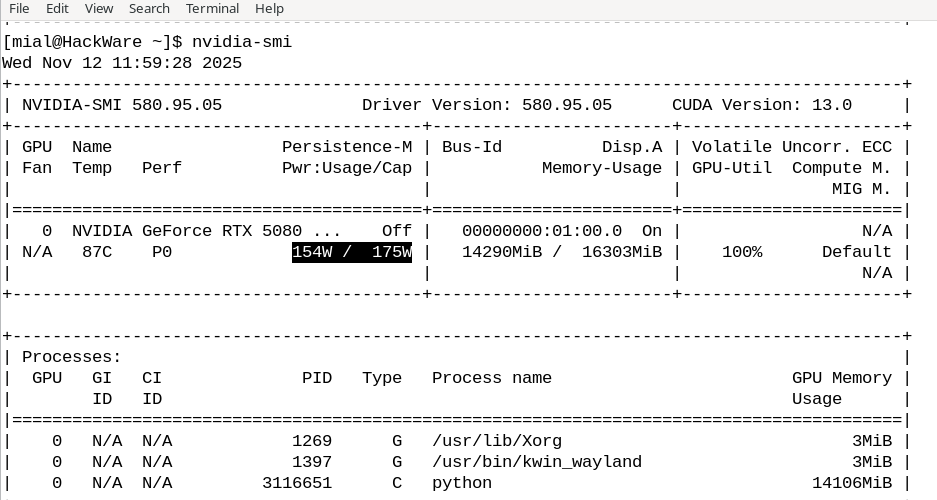
Table of contents Why the GPU doesn’t run at full power on Linux How to unlock the maximum TGP for your GPU on Linux What Dynamic Boost is Why the GPU doesn’t run at full power on Linux In NVIDIA Settings, you can view your GPU’s characteristics. For my laptop GPU, NVIDIA Settings shows: Default TGP: 80 W Max TGP:...
Loading...
X