Tag: Ubuntu

How to set up a media server in Linux to show movies on TV (how to install and configure Serviio in Debian, Ubuntu, Linux Mint, Kali Linux)

This article will tell you how to install and configure Serviio in Debian, Ubuntu, Linux Mint, Kali Linux to watch movies on a local network. Contents 1. How to set up a network folder in Linux to show movies on TV 2. DLNA and UPnP Media Server – we will use these technologies, but we do not need to understand...

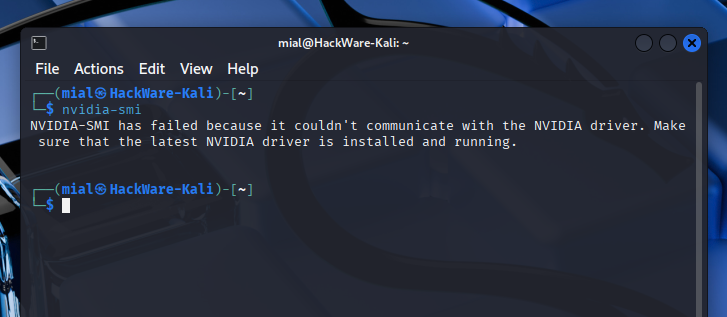
Why GeForce RTX 50 series graphics card doesn't work in Linux (SOLVED)

Contents Blackwell architecture graphics cards in Linux Signs that the NVIDIA graphics card does not work in Linux Why NVIDIA GeForce RTX 5090, 5080, 5070, 5060 does not work in Linux How to install the NVIDIA GeForce RTX 5090, 5080, 5070, 5060 driver on Linux The NVIDIA Open driver is installed, but NVIDIA GeForce RTX 5090, 5080, 5070, 5060 does...

What is NVIDIA Open and should Linux users switch to the new driver

Contents 1. What is NVIDIA Open 2. The main difference between NVIDIA Open and NVIDIA Proprietary 3. How to install NVIDIA Open 3.1 How to install NVIDIA Open on Arch Linux (Manjaro, BlackArch) 3.2 How to install NVIDIA Open on Debian, Kali Linux, Ubuntu, Linux Mint 4. How to check if you are using NVIDIA Open or NVIDIA Proprietary 1....

ERR_SSL_PROTOCOL_ERROR (SOLVED)

Contents 1. Why does the ERR_SSL_PROTOCOL_ERROR occur 2. How to fix the ERR_SSL_PROTOCOL_ERROR 3. How to fix “ERR_SSL_PROTOCOL_ERROR” on a local web server 4. How to configure HTTPS on Apache in Linux 4.1 How to install Apache and OpenSSL on Debian, Ubuntu, Linux Mint, Kali Linux 4.2 How to enable the SSL module for Apache 4.3 How to make a local...

Error code: SSL_ERROR_RX_RECORD_TOO_LONG (SOLVED)

Contents 1. Why does the SSL_ERROR_RX_RECORD_TOO_LONG error occur 2. How to fix the SSL_ERROR_RX_RECORD_TOO_LONG error 3. How to fix “Error code: SSL_ERROR_RX_RECORD_TOO_LONG” on a local web server 4. How to configure HTTPS on Apache in Linux 4.1 How to install Apache and OpenSSL on Debian, Ubuntu, Linux Mint, Kali Linux 4.2 How to enable the SSL module for Apache 4.3 How...

How to set up HTTPS on Apache in Debian, Ubuntu, Linux Mint, Kali Linux

Contents How to enable HTTPS on Apache in Debian, Ubuntu, Linux Mint, Kali Linux How to install Apache and OpenSSL on Debian, Ubuntu, Linux Mint, Kali Linux How to enable the SSL module for Apache How to make a local server open by hostname (setting up hostname to IP address resolution) How to create a Certification Authority (CA) How to...

How to install Python as a CGI module in Apache on Linux

Table of contents 1. How to run a Python script on a web server 2. How to set up Python as a CGI module in Apache on Debian (Ubuntu, Linux Mint, Kali Linux) 2.1 Setting up Python CGI for a single directory 2.2 Setting up Python CGI for the entire web server 3. How to set up Python as a...

How to set up Python as a CGI module in Apache on Debian (Ubuntu, Linux Mint)

Setting up Python CGI for a single directory Run the command to enable the CGI module: sudo a2enmod cgi Restart the web server for the changes to take effect: sudo systemctl restart apache2 Create file /usr/lib/cgi-bin/test.py: sudo gedit /usr/lib/cgi-bin/test.py Copy the following content to this file: #!/usr/bin/python3 print ("Content-type: text/html") print ("") print ("") print ("<html><head>") print ("") print ("</head><body>")...

How to increase the size of the partition and file system after increasing the physical size of the disk

Disk partition size and file system size In Linux, a disk can be used entirely by one partition or be divided into several partitions (similar to volumes in Windows). Usually, at the stage of installing the operating system, disk partitioning is done: disk partitions are created, and then these partitions are formatted into one or another file system. In this...

How to update the GRUB bootloader on Debian and derivative distributions (Kali Linux, Ubuntu, Linux Mint)

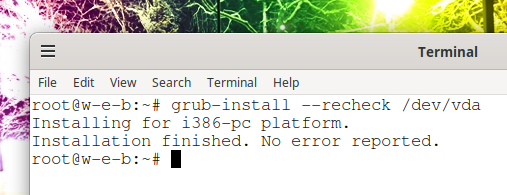
The GRUB operating system loader is installed and updated on Linux like any other software package. But the peculiarity of the bootloader is that even after updating the package, the actual working files of the bootloader, which are located on the partition mounted along the /boot/grub/ path, are not automatically updated. That is, when new versions of GRUB are released,...
Loading...
X