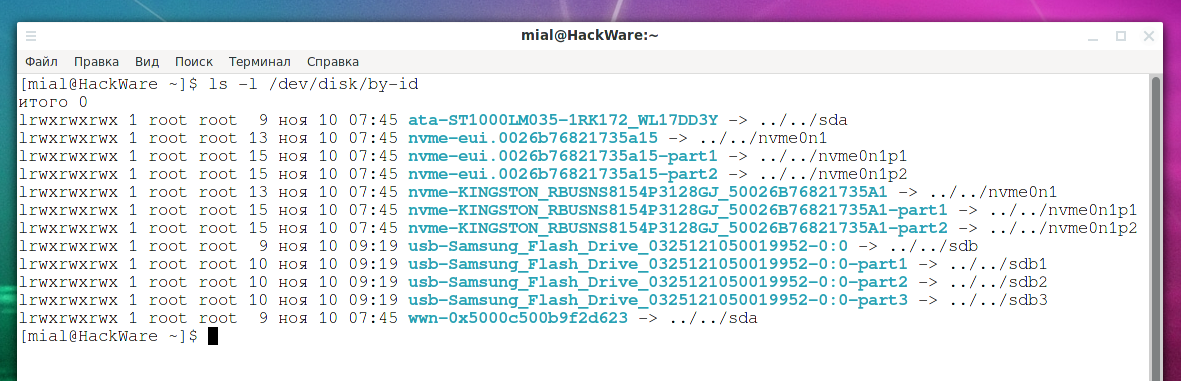
Persistent names for block devices
Posted by Alex On November 10, 2021
Table of contents 1. How to make drives and USB sticks have the same name 2. Persistent block device naming 2.1 by-label 2.2 by-uuid 2.3 by-id 2.4 by-path 2.5 by-partlabel 2.6 by-partuuid 3. Using persistent naming 3.1 Permanent block device names can be used as aliases for /dev/sdX 3.2 Using persistent names in the /etc/fstab filesystem table Conclusion How to make […]

How to change the VeraCrypt interface language in Linux
Posted by Alex On November 7, 2021
Currently, preliminary versions of VeraCrypt have an interface in French, German, Russian and other languages. When localization support is added to the stable version, and this will be done in VeraCrypt 1.25, then to get VeraCrypt with the interface translated into your language, it will be enough to install it as shown above. But currently […]

How to get web page content and cookies of .onion sites in Python
Posted by Alex On November 5, 2021
A program that receives data from the Tor network must work with cookies, for example, in the case of a parser, it can be cURL, PHP script, Python script, and so on. In the article “Web site parsing in command line” there is an example of working with cookies in cURL, but how to get […]

How to repair an LVM disk using fsck
Posted by Alex On November 1, 2021
How to repair an LVM disk If, due to errors on the disk, the system cannot boot, then usually in the emergency mode console you need to check the disk partitions, approximately as follows (you need to specify your disk name and partition number): umount /dev/sda2 fsck -y /dev/sda2 But if we are talking about […]

How to determine why Linux boots into Emergency mode
Posted by Alex On November 1, 2021
How to determine the exact reason why Systemd falls in emergency mode A Linux system can go into an emergency mode shell if it encounters problems during boot. The screen prompts you to execute the command journalctl -xb to find the causes of system problems. It is also proposed to execute systemctl default or exit […]
Why doesn't the kill command kill the process?
Posted by Alex On October 30, 2021
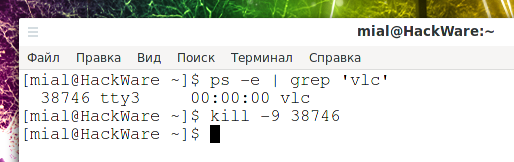
The kill command is used to stop a process, the command syntax is: sudo kill PROCESS-ID Related article: What are the differences and how to use the kill, pkill and killall commands You may run into a situation when using kill does not kill the process. You can get the process ID knowing the name […]
What are the differences and how to use the kill, pkill and killall commands
Posted by Alex On October 30, 2021
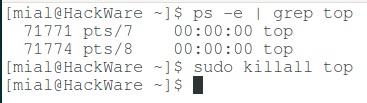
How to shutdown a process by process id Each of the kill, pkill and killall commands are used to stop processes in Linux. In “How to use ps command to monitor Linux processes”, we looked at a number of ways to identify processes, including name, command, user, and terminal. We also looked at ways to […]

How to use ps command to monitor Linux processes
Posted by Alex On October 30, 2021
The ‘ps’ (processes status) command is a built-in Unix/Linux utility for viewing information regarding the selection of running processes on the system: it reads this information from virtual files in the /proc file system. It is one of the essential system administration utilities, especially in the context of process monitoring, to help you understand what […]
How to install the Active Directory PowerShell module on Windows Server, Windows 11 and Windows 10
Posted by Alex On October 29, 2021
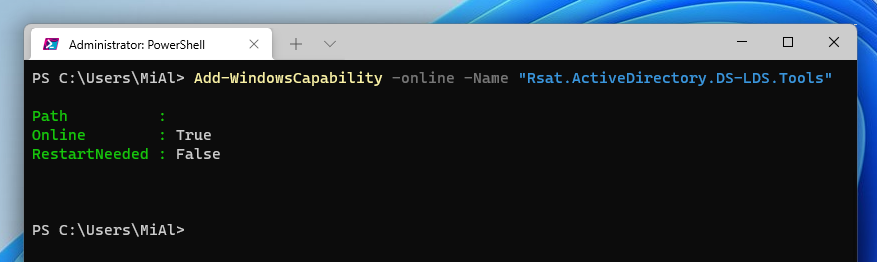
The Active Directory Module for Windows PowerShell is one of the main tools for domain administration, managing objects in Active Directory, and getting various information about AD computers, users, groups, etc. Any Windows administrator should know how to use AD as a graphical snap-in (usually These are ADUC – Active Directory Users & Computers) and […]

PowerShell with administrator rights: how to run and verify
Posted by Alex On October 28, 2021
How to run PowerShell as an administrator Some commands and cmdlets require elevated privileges. Examples of actions that require administrator rights are service management (install, start, stop, uninstall) and package management (add and remove package providers, install and remove packages). For example, the following cmdlet tries to add a new package provider: Install-PackageProvider chocolatey It […]